Unique Emails, Unique Passwords: Your Best Defense Against Data Breaches
Data breaches aren’t slowing down. They’re accelerating. And every time a company loses its user database, the stolen credentials don’t just sit in a file somewhere — they get weaponized.
How stolen credentials become skeleton keys
When attackers breach a site, they walk away with email-and-password pairs. The first thing they do is run those pairs against other services — banks, email providers, shopping sites, government portals. This is called credential stuffing, and it works because most people reuse the same email and password across dozens of accounts.
If you used the same credentials on a breached forum that you use for your primary email, the attacker doesn’t just have access to that forum. They have access to your email, and from there, password resets to everything else.
The fix is straightforward: never give two sites the same email address or the same password.
Use a different email for every account
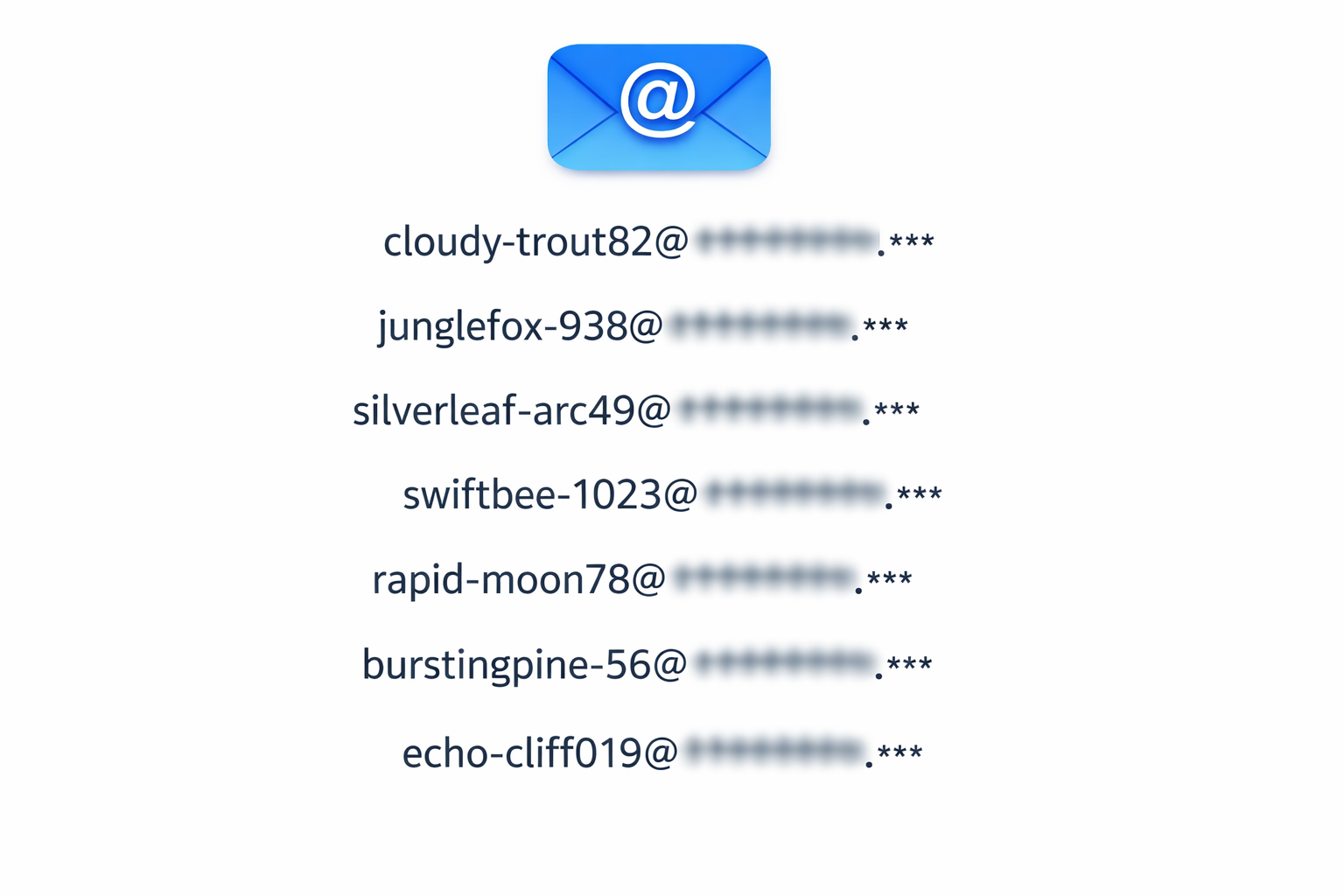
Most people don’t realize this is even an option. Services like Apple’s Hide My Email, ProtonMail aliases, and Firefox Relay let you generate a unique, random email address for each site where you create an account. Messages sent to that address forward to your real inbox. The site never learns your actual email.
This breaks the credential-stuffing chain at the first link. Even if an attacker steals your login from a breached site, the email address associated with that account doesn’t exist anywhere else. They can’t use it to find or target your other accounts.
If one of those generated addresses starts receiving spam or phishing attempts, you know exactly which site leaked it — and you can disable that address without affecting anything else.
Use a different password for every account
This one is more widely understood but still widely ignored. Every account should have its own strong, random password. No patterns. No variations on a theme. Completely independent strings that can’t be guessed or derived from each other.
Nobody can manage that manually across dozens or hundreds of accounts. That’s what password managers are for.
Password managers make this practical
A password manager stores every credential behind a single master password. It generates strong passwords, fills them automatically, and syncs across your devices.
Apple’s Passwords app — built into iOS, iPadOS, and macOS — handles passwords, one-time verification codes, and passkeys. Pair it with Hide My Email and you have both halves of the equation covered within one ecosystem: a unique email address and a unique password for every account, managed automatically.
If you’re not in the Apple ecosystem, dedicated managers like 1Password, Bitwarden, or ProtonPass offer the same capabilities across platforms.
Always enable two-factor authentication
A strong, unique password is your first barrier. Two-factor authentication (2FA) is your second. Even if an attacker somehow obtains your password, they still need the one-time code from your authenticator app or device.
Enable 2FA on every account that supports it. Prefer app-based codes or hardware keys over SMS, since phone numbers can be hijacked through SIM-swapping attacks.
Give away less information
Beyond credentials, think about what you hand over when you create an account. Many sites ask for more personal information than they actually need. A retail site doesn’t need your date of birth. A newsletter doesn’t need your mailing address. A SaaS tool doesn’t need your Social Security number — ever.
Before filling in a field, ask: does this site genuinely need this to provide the service I’m signing up for, or are they collecting it for other purposes? If a site asks for your SSN or driver’s license just to create an account, that’s a red flag. Legitimate businesses that require identity verification for regulatory reasons will tell you exactly why — and they’ll usually do it later in the process, not on a signup form.
The less personal information that exists in a company’s database, the less there is to steal when the next breach happens.
The bottom line
You can’t prevent companies from getting breached. But you can make sure a breach at one site doesn’t cascade into a compromise of your entire digital life. Use a unique email address and a unique password for every account. Store them in a password manager. Enable two-factor authentication. And stop volunteering information that isn’t necessary.
Each of these steps is simple on its own. Together, they make credential stuffing — the most common post-breach attack — completely ineffective against you.